
Free Tire Shop Software
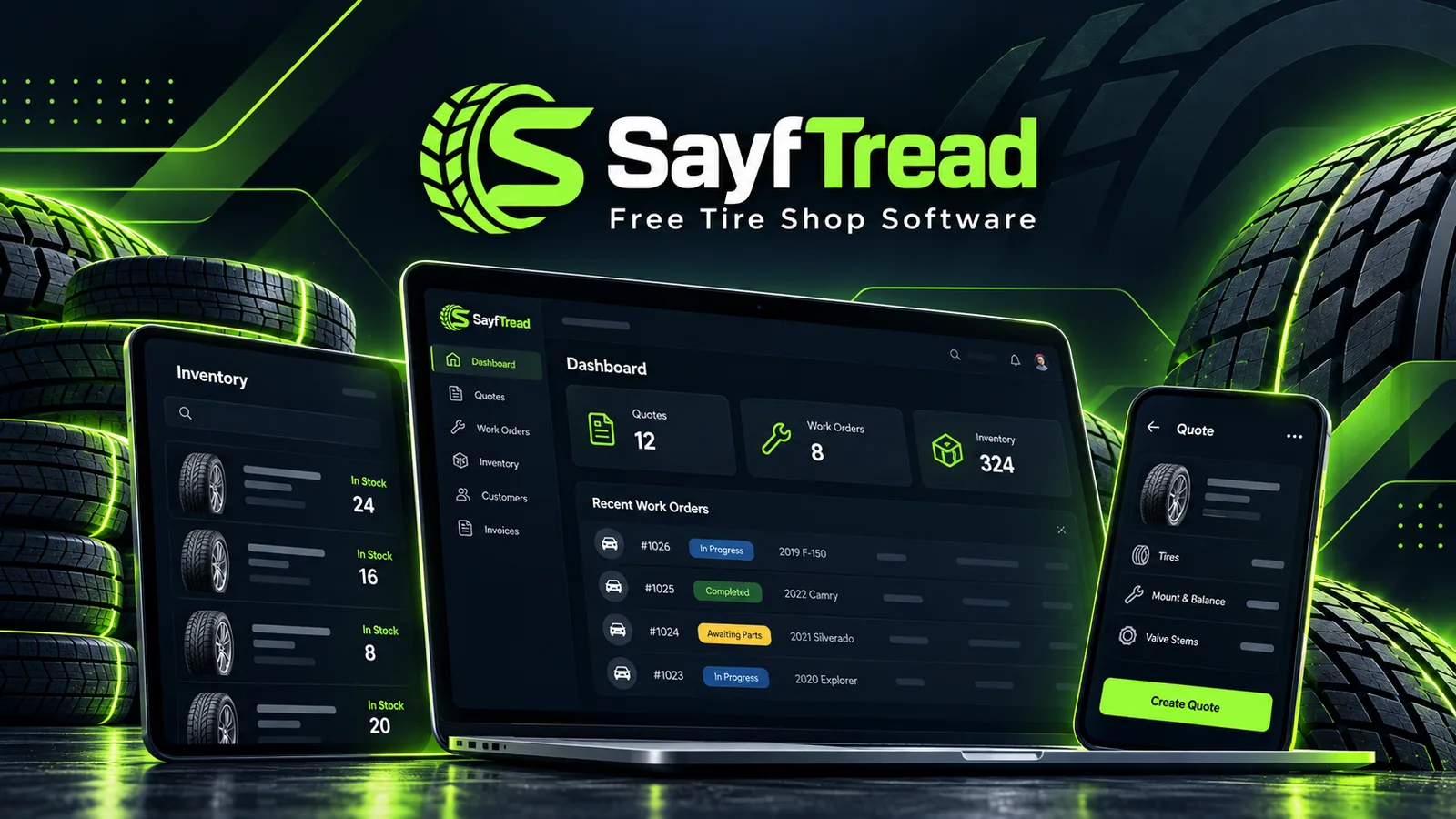
See the actual SayfTread workflow
See the SayfTread product
Today
New sale & fitment
Good / Better / Best
Customer approval
Shop Board
Inventory
Invoice with DOT/TIN
Reports

Quote tires at the counter.

Know what's waiting, what's in a bay, and what's ready to leave.
Pricing
Why is SayfTread $0/month?
SayfTread is built by Sayfpay, a payment-services company. We believe useful shop software can create long-term relationships with businesses that may eventually choose Sayfpay for payment processing.
Using Sayfpay is optional. You can use the core SayfTread software and keep your existing payment terminal.
SayfTread core software
$0/ month
No monthly software subscription. For the core SayfTread platform. Integrated payment processing services are separate.
- Customers & vehicles
- Good / Better / Best quotes
- New & used tire inventory
- Barcode scanning
- Work orders & Shop Board
- Inspections with photos
- DOT/TIN tracking
- Invoices
- Cash, check & terminal recording
- Booking requests
- Deferred work & reminders
- Customer history & tire storage
- Technician time tracking
- Reports
- Role-based team access
Optional, separate services
- Sayfpay payment processing
- Optional and activated separately for each shop. Not turned on by default. Until then, record cash, check and outside-terminal payments in SayfTread.
- Texting through your own Telnyx account
- Texting is available today when a shop connects its own Telnyx account and number. Telnyx bills the shop directly for messaging; SayfTread doesn't resell texting.
- Future optional paid services
- If we ever introduce one, it will be optional and clearly disclosed first.
How SayfTread compares
Founding Shops
We're starting small on purpose.
SayfTread is live today. We're onboarding an initial group of independent tire shops while we keep refining the platform around real shop workflows.
- $0/month core software
- Personal setup assistance
- Direct access to the SayfTread team
- A say in upcoming improvements
- Keep your current payment setup
Quote tires at the counter. Keep jobs moving through the bays.
Good / Better / Best quotes
Customer approvals
Tire fitment
Barcode scanning
New & used inventory
Work orders & Shop Board
DOT/TIN tracking
Inspections with photos
Time clock & job timers
Booking requests
Deferred work & reminders
Customer history
Customer tire storage
Repeat sales
Customer email
Two-way texting
Invoices
Payment recording
Reports
How it works
One workflow from tire quote to paid invoice.
The sale stays connected from the first conversation through installation and payment.
- 01Customer
- 02Vehicle
- 03Tire fitment
- 04Inventory
- 05Good / Better / Best quote
- 06Customer approval
- 07Work order
- 08Installation
- 09DOT/TIN
- 10Invoice
- 11Payment
What you can do on day one
- 1.Set up your shop
- 2.Add inventory
- 3.Add a customer and vehicle
- 4.Build a Good / Better / Best quote
- 5.Send a secure approval link
- 6.Turn the approved quote into a work order
- 7.Complete the installation and DOT/TIN record
- 8.Invoice the customer
- 9.Record payment
- 10.Invite your team